.svg)
Short answer
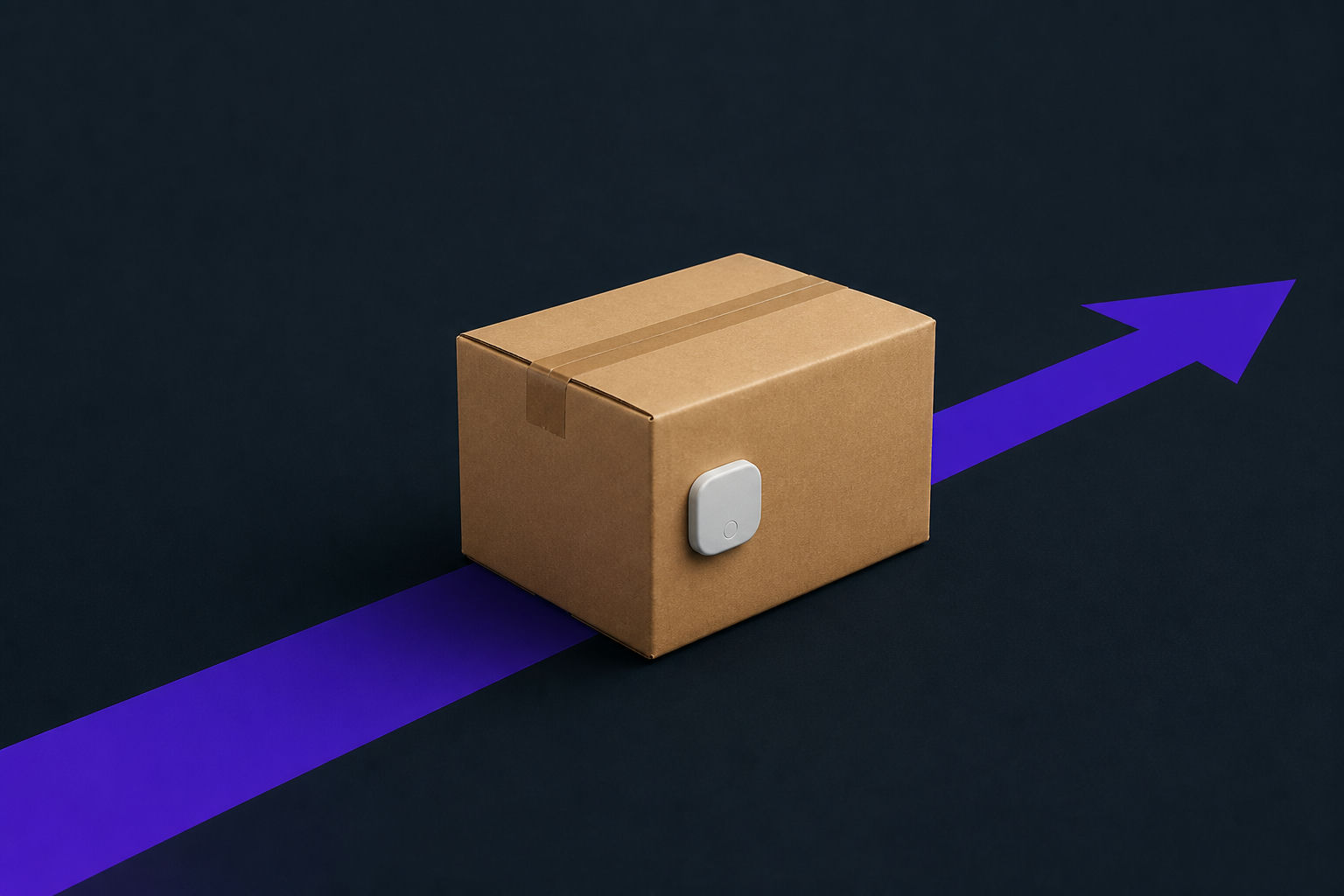
A BLE beacon closes the gap of unseen product condition problems during transportation by transmitting data like temperature, humidity, or shock. This allows teams to monitor product condition and trigger alerts during transit, rather than reconstructing problems later. Deploying BLE beacons requires sensor-equipped tags, a visibility platform, access for receiving and dispatch, and strong handling SOPs to make the data usable. Source: Wiliot IoT Pixels
A case can leave dispatch looking clean and still arrive with a temperature break or another condition problem, such as humidity exposure or shock, that no one sees until receiving opens it.
A BLE beacon has to close that gap by transmitting condition data, such as temperature, humidity, or shock, so teams can monitor product condition and trigger alerts during transportation instead of reconstructing the problem later. To make that record usable at handoff, you need sensor-equipped tags, a visibility platform, receiving and dispatch access, and a handling SOP strong enough that the data holds up when quality, logistics, and inventory teams question it. As of 2026, BLE is widely treated as a low-cost wireless beacon technology, with one 2026 computing paper describing Bluetooth Low Energy as having emerged to dominate the beacon technology market.
What you need before you start
A good condition-monitoring rollout starts before any case is tagged. Loose setup creates loose data, leaving receiving to sort alerts, gaps, and disputed readings at the dock.
BLE beacons with environmental sensors
You need BLE beacons with environmental sensors assigned where condition proof matters. For cold-chain or sensitive goods, that usually means the case, tote, pallet, or reusable container, not only the truck.
Your prereq checklist should include:
- Beacons that can be associated with a specific shipment unit.
- Sensors aligned to the product risk, such as temperature, humidity, or shock.
- A unique identifier for each beacon, tied to the product, case, pallet, or container.
- A clear rule for where the beacon is placed so readings are consistent across shipments.
Access to a visibility platform
Once the beacon is assigned, its data needs a destination. You need a visibility platform that receives beacon signals, stores condition history, and turns exceptions into alerts.
At minimum, confirm:
- Who can see live condition data.
- Who receives alerts.
- Which locations, vehicles, gateways, or mobile devices read the beacons.
- Which data fields are required at dispatch, in transit, and receiving.
- How long journey records must be retained.
A defined standard operating procedure (SOP) for product handling
The SOP connects physical work to digital proof. It should say who tags the case, when activation happens, which condition thresholds apply, and what receiving does when data shows an exception.
A workable SOP covers:
- Dispatch tagging and activation.
- Threshold assignment by product type.
- Alert escalation during transit.
- Receiving review before acceptance.
- Exception handling, quarantine, rejection, or investigation.
How are BLE beacons deployed to track product condition during transit?
With the prerequisites in place, deployment becomes a chain of decisions that protect the condition record from gaps, so receiving can tell whether product stayed within spec or needs review.
Direct answer: real-time monitoring and alerts
A BLE beacon is deployed by attaching it to the shipment unit, associating its ID with the product record, and letting nearby receivers collect its broadcasts through the journey. BLE beacons are already common in asset tracking and indoor positioning, which fits supply-chain workflows where the unit needs identification and monitoring without constant manual scanning.
The practical deployment pattern is simple:
- Assign the beacon to the case, pallet, tote, or reusable container.
- Capture the starting condition at dispatch.
- Read beacon data during transit through gateways, mobile devices, or fixed read points.
- Alert the right team when a threshold is crossed.
- Review the journey log at receiving before product acceptance.
The deployment pattern
Every reading needs context: shipment ID, product type, origin, destination, time, location zone, and expected condition range.
A condition beacon without shipment context is just a sensor. A condition beacon tied to the shipment record becomes evidence.
For example, a frozen product shipment might be assigned a temperature threshold at dispatch, watched during carrier movement, and reviewed at the dock before acceptance. If the record shows an excursion, receiving can inspect the right product instead of guessing across the load.
Step 1: tagging cases at the point of origin (dispatch)
The first step is securing the product before it moves. Dispatch is where the condition record becomes trustworthy, or starts to fail.
Why: establish the condition baseline
The condition baseline gives every later reading a starting point. In 2025, supply-chain leaders were already prioritizing visibility systems and risk-management protocols, with one industry outlook pointing to a shift from analog processes toward digitally enabled workflows for safeguarding supply chains through visibility systems and risk-management protocols.
That matters because the dispatch record answers the first dispute in many condition investigations: did the product leave origin in spec, or was the problem already present before handoff? Without the baseline, later alerts are harder to interpret.
How: attach and activate beacons per your SOP
Use the SOP to make dispatch repeatable, not dependent on the most careful person on shift.
A practical dispatch flow looks like this:
- Match the beacon ID to the shipment, product, case, tote, pallet, or container.
- Place the beacon in the approved location for the product and packaging type.
- Confirm the beacon is broadcasting before loading.
- Record the starting condition.
- Assign the correct threshold profile.
- Mark the shipment as ready for monitoring.
A simple UI record might look like this:
Shipment ID: CH-18472
Beacon ID: BLE-CASE-00931
Unit: Case 14 / Pallet 3
Condition profile: chilled product
Status: active at dispatch
Baseline: recorded
If every origin team places and activates beacons the same way, receiving can compare journey records across lanes without questioning different handling habits.
Step 2: monitoring the live condition data in transit
Once the case is tagged and dispatched, the work shifts to active monitoring. The value is catching condition changes early enough for intervention, not discovering a problem after arrival.
Why: detect and respond to deviations in real time
Live condition data gives operations a chance to act before the receiving dock first notices damage. If a case warms, absorbs excess humidity, or takes a shock event during transportation, the alert should identify the affected shipment unit and the time window.
Instead of asking whether a shipment was "probably fine," the team can ask whether the journey log stayed inside the approved threshold. For products with narrow handling requirements, that is the difference between evidence and opinion.
How: use gateways and configure platform alerts
Your in-transit setup should focus on read coverage and alert routing. The goal is to make sure the right team sees the right exception while there is still time to act.
Configure the monitoring workflow in this order:
- Define the condition thresholds by product group.
- Decide which readers collect data during yard, dock, vehicle, and destination events.
- Set alert rules for threshold breaches.
- Route alerts to the role that can act, such as carrier operations, quality, or receiving.
- Preserve the event history so the receiving team can see what happened without calling the origin.
For teams moving from scan-only processes toward item-level visibility, continuous temperature monitoring can connect condition exceptions to the specific goods affected, rather than treating the whole load as a single black box.
A useful alert record is short enough for a busy operator:
Alert: temperature threshold exceeded
Shipment: CH-18472
Unit: Case 14 / Pallet 3
Detected at: in-transit gateway read
Action: inspect at receiving, notify quality
Step 3: verifying product integrity at receiving
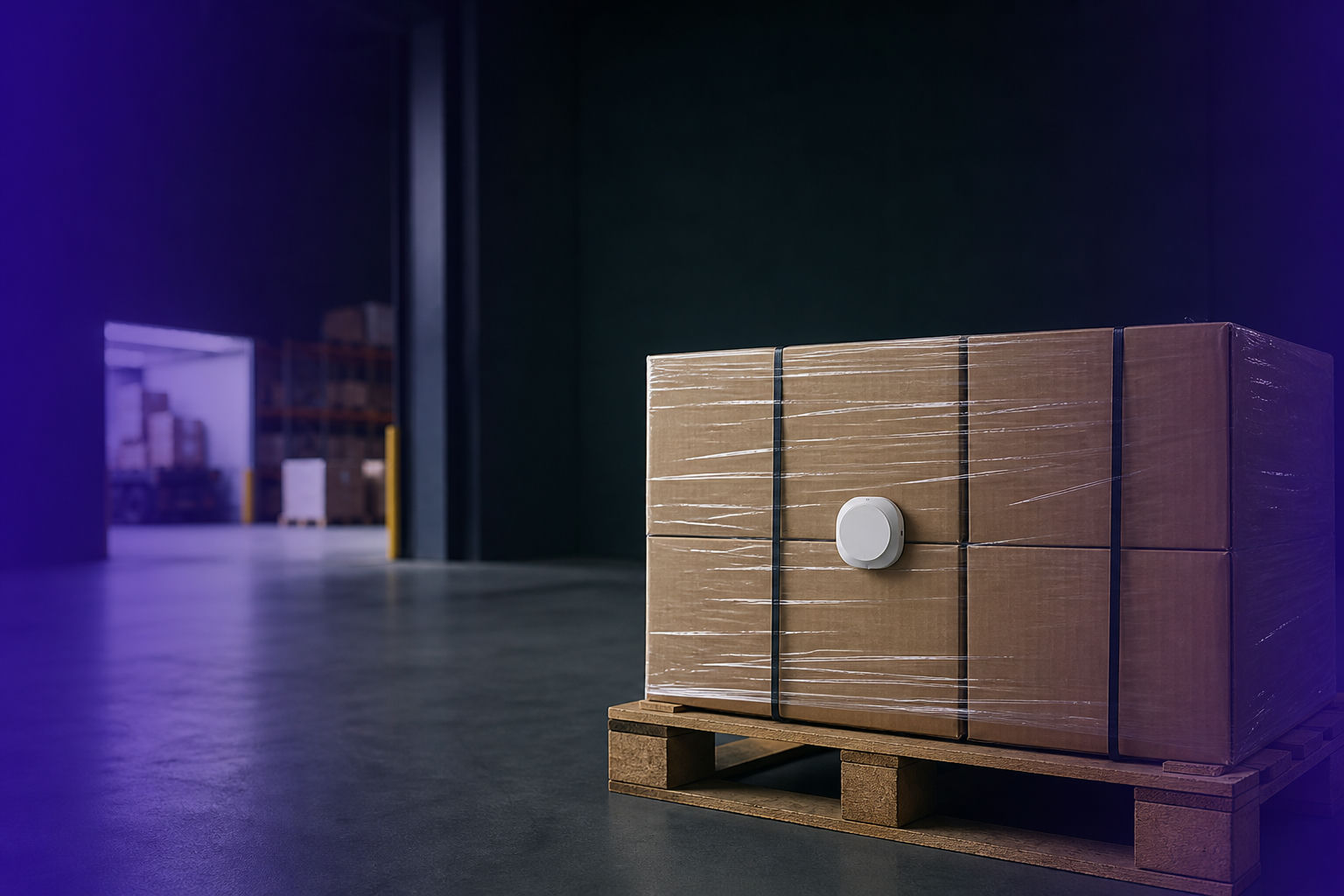
The journey ends at receiving, where condition data becomes a decision: accept, inspect, quarantine, or reject.
Why: create an unbroken chain of custody for condition
A chain of custody for condition links dispatch baseline, in-transit readings, exception alerts, and receiving review into one journey record. Quality teams can focus on affected units. Receiving can avoid blind acceptance, while logistics can see where failures tend to occur.
This is also where condition monitoring overlaps with inventory discipline. If receiving accepts product without checking the condition record, the system may show stock as available even though the product needs inspection, quarantine, or disposal.
How: scan beacons and review the journey log
The receiving process should confirm identity and condition before product moves into available inventory, keeping a damaged or questionable unit from disappearing into stock because paperwork looked complete.
Use this sequence:
- Read the beacon at the dock.
- Confirm the shipment and unit ID.
- Review the journey log against the product threshold.
- Flag any excursion, missing-read pattern, or unresolved alert.
- Decide whether to accept, inspect, quarantine, or reject.
- Close the handoff with the receiving outcome attached to the record.
For condition programs that also need scan-free receiving events, automated receiving helps connect shipment handoffs to operational records without asking every worker to become a data-entry checkpoint.
The clean receiving record is specific:
Receiving status: exception review required
Shipment: CH-18472
Unit: Case 14 / Pallet 3
Journey log: threshold exceeded in transit
Receiving action: quality inspection
Inventory status: hold
Troubleshooting your BLE beacon deployment
Even a planned deployment can produce bad reads, missing events, or late alerts. Treat these as workflow problems first: coverage, placement, handoff timing, and system rules usually explain more than the beacon itself.
Issue: data gaps during transit
Data gaps usually come from coverage, reader placement, or handoff assumptions. Research on indoor localization has found that optimizing the number of BLE beacons is important for localization accuracy, a reminder that read environments need design and testing, not guesses, through BLE beacon localization research.
Check these points first:
- Are gateways or mobile readers present at the points where reads are expected?
- Does the trailer, container, dock, or storage area block or weaken reads?
- Are beacons placed consistently across packaging types?
- Are alerts tied to missing data, or only to threshold breaches?
- Is the platform receiving data but filtering it out because of shipment status?
Issue: inaccurate temperature or humidity readings
Inaccurate condition readings often come from placement rather than sensor failure. A beacon placed against a gel pack, near a door, inside dense packaging, or on the wrong side of insulation may report the local microenvironment instead of the product condition you care about.
Use a simple validation run:
- Place beacons in the approved locations.
- Move test shipments through the normal dispatch, transit, and receiving process.
- Compare readings against your accepted quality check.
- Adjust placement rules only when the pattern repeats.
- Document the revised SOP so every shift follows the same method.
Issue: beacons not detected at receiving
Missed receiving reads are usually operational. The beacon may be inactive, placed where the receiving reader cannot detect it, associated with the wrong shipment, or read before the system has changed the shipment status to "arrived."
A quick diagnostic path:
- Confirm the beacon ID exists in the shipment record.
- Check whether the beacon was active at dispatch.
- Test whether the receiving reader detects a known-good beacon.
- Review whether packaging or pallet stacking changed during transit.
- Manually hold the unit until identity and condition are reconciled.
If the deployment worked, receiving should have a condition record, identity record, and exception path instead of guessing whether a case is safe to receive into available stock.
What "done" looks like: a single source of truth
Done means the product has a readable history from dispatch to receiving, and every handoff can be checked against that record. The workflow is working when condition proof is part of operations, not a separate investigation after someone questions the load.
Your finished workflow should produce:
- A beacon-to-shipment association.
- A baseline condition at dispatch.
- In-transit condition events.
- Alerts tied to defined thresholds.
- A receiving decision attached to the journey log.
- A record that quality, logistics, and inventory teams can all reference.
Platform role
Wiliot is a Physical AI company that gives organizations continuous, scan-free visibility into the location and condition of every item in their supply chain. Battery-free IoT Pixels capture that data, and the Wiliot Physical AI Platform refines it into insights, predicting problems that include shrink, mis-ships, and spoilage, then recommending the next move.
If the condition record also exposes stock-status confusion, tighten the inventory side next with Inventory Accuracy: What It Is, Why It Matters, & How to Get It.
Pilot lane
The next test is a controlled lane, not a broad rollout. Pick one product family, one origin, one destination, and one receiving workflow, then measure whether the team can prove condition at every handoff without hunting through emails, photos, or after-the-fact explanations.
Frequently asked questions
How do I deploy BLE beacons to track product condition during transit?
Attach each beacon to the shipment unit that needs condition proof, associate the beacon ID with the shipment record, capture a dispatch baseline, monitor condition readings during transportation, and review the journey log at receiving. The deployment works best when the SOP defines placement, activation, threshold rules, alert routing, and receiving actions before shipments move. Source: Wiliot IoT Pixels
What kind of data can a BLE beacon collect for condition monitoring?
For condition monitoring, the useful data is the product's state during the journey, such as temperature, humidity, shock, and the time and place where an exception was detected. The important point is to connect that data to the product, case, pallet, tote, or reusable container record so quality and receiving teams can act on it. Source: Wiliot Temperature Monitoring
When comparing BLE vs. RFID for cold chain, which is better for real-time visibility?
For cold-chain condition work, BLE beacons are commonly used where live condition signals and alerts matter during transportation. RFID is often useful for identification and fixed read events, so the better design may combine identification, condition sensing, and receiving workflows rather than treating the tools as mutually exclusive. Source: Wiliot Temperature Monitoring
How do BLE beacons help prove product condition at handoffs?
They create a condition record that follows the shipment from dispatch through transit to receiving. At each handoff, the team can compare the product's journey log against the approved threshold and decide whether to accept, inspect, quarantine, or reject the unit based on evidence rather than memory or paperwork. Source: Wiliot Automated Receiving
Sources
Every reference cited on this page, in the order Wiliot evidence, related articles, then outside research.
- 1.continuous temperature monitoring (wiliot.com)
- 2.automated receiving (wiliot.com)
- 3.Wiliot IoT Pixels (wiliot.com)
- 4.Bluetooth Low Energy as having emerged to dominate the beacon technology market (link.springer.com)
- 5.What you need before you start (kkkcdzmhnnqevxhexzpo.supabase.co)
- 6.visibility systems and risk-management protocols (supplychainbrain.com)
- 7.How are BLE beacons deployed to track product condition during transit? (kkkcdzmhnnqevxhexzpo.supabase.co)
- 8.BLE beacon localization research (ieeexplore.ieee.org)